AQUAFY · AQUARIUM JOURNAL
Keep your aquarium under control, without the spreadsheets
An aquarium journal for freshwater and marine tanks: measurements on charts, calculated doses and care reminders. Free on Android and iOS.


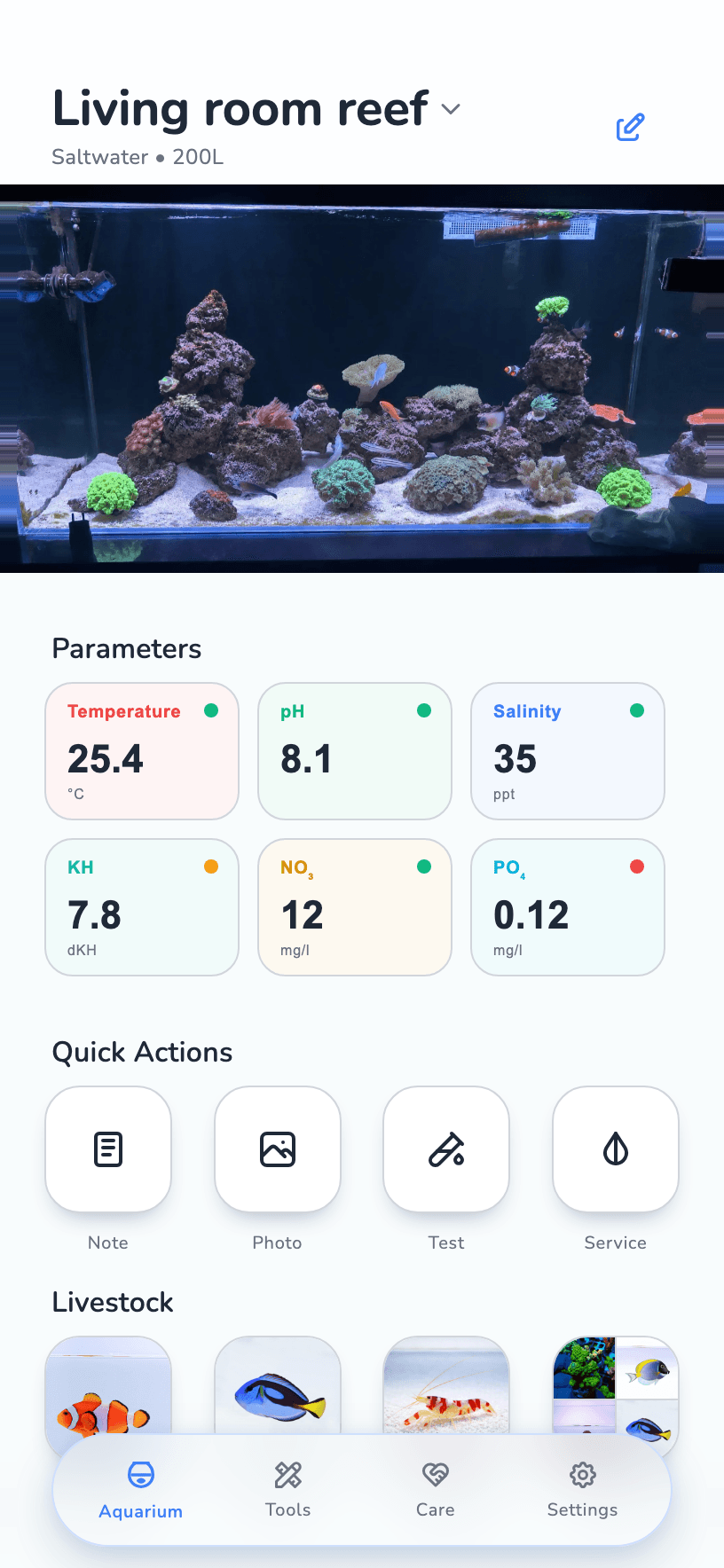

WHAT YOU CAN DO IN AQUAFY
Log, calculate, plan. Aquafy remembers the rest.
For freshwater and marine aquariums.
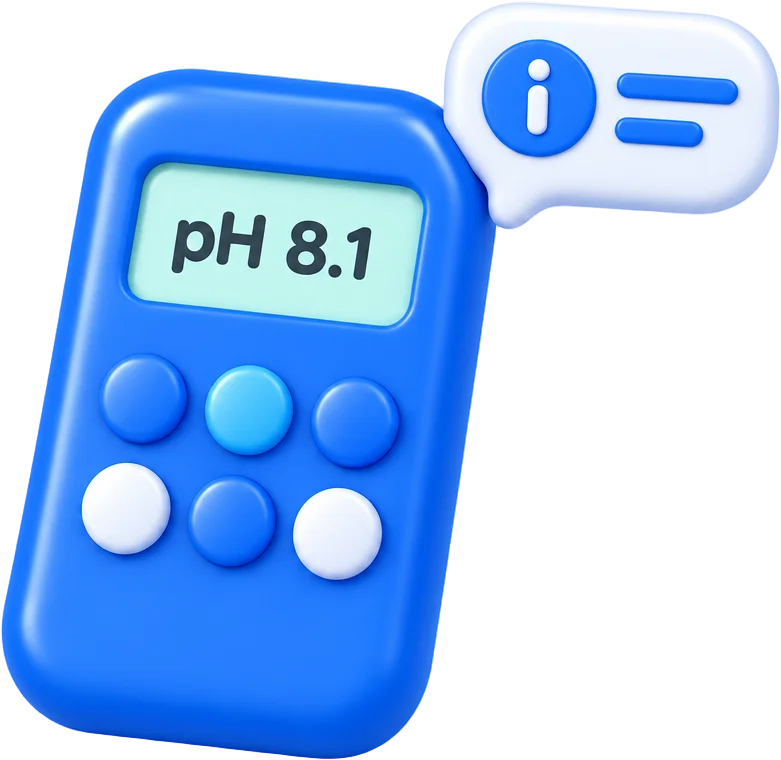



MEASUREMENTS AND ICP TESTS
See the trend, not a single result.
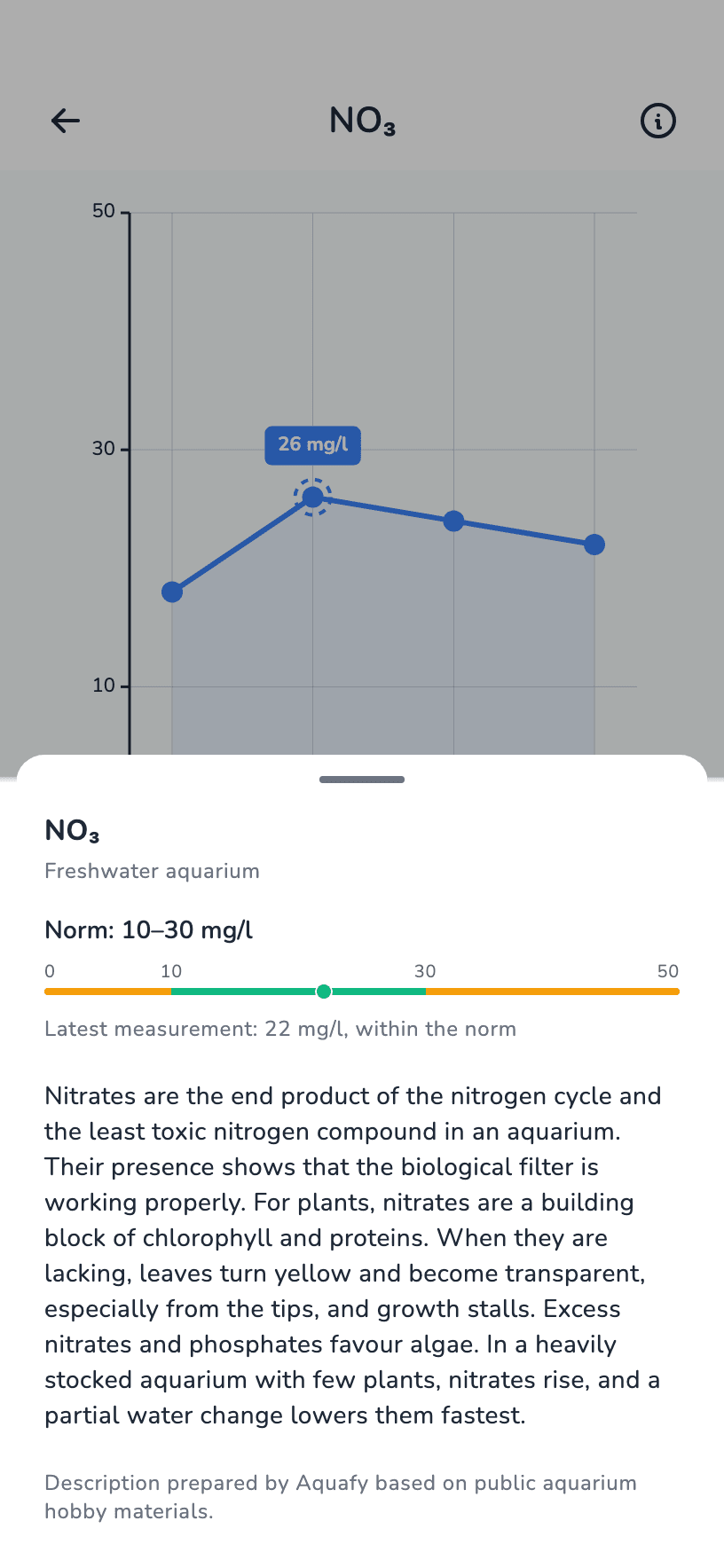
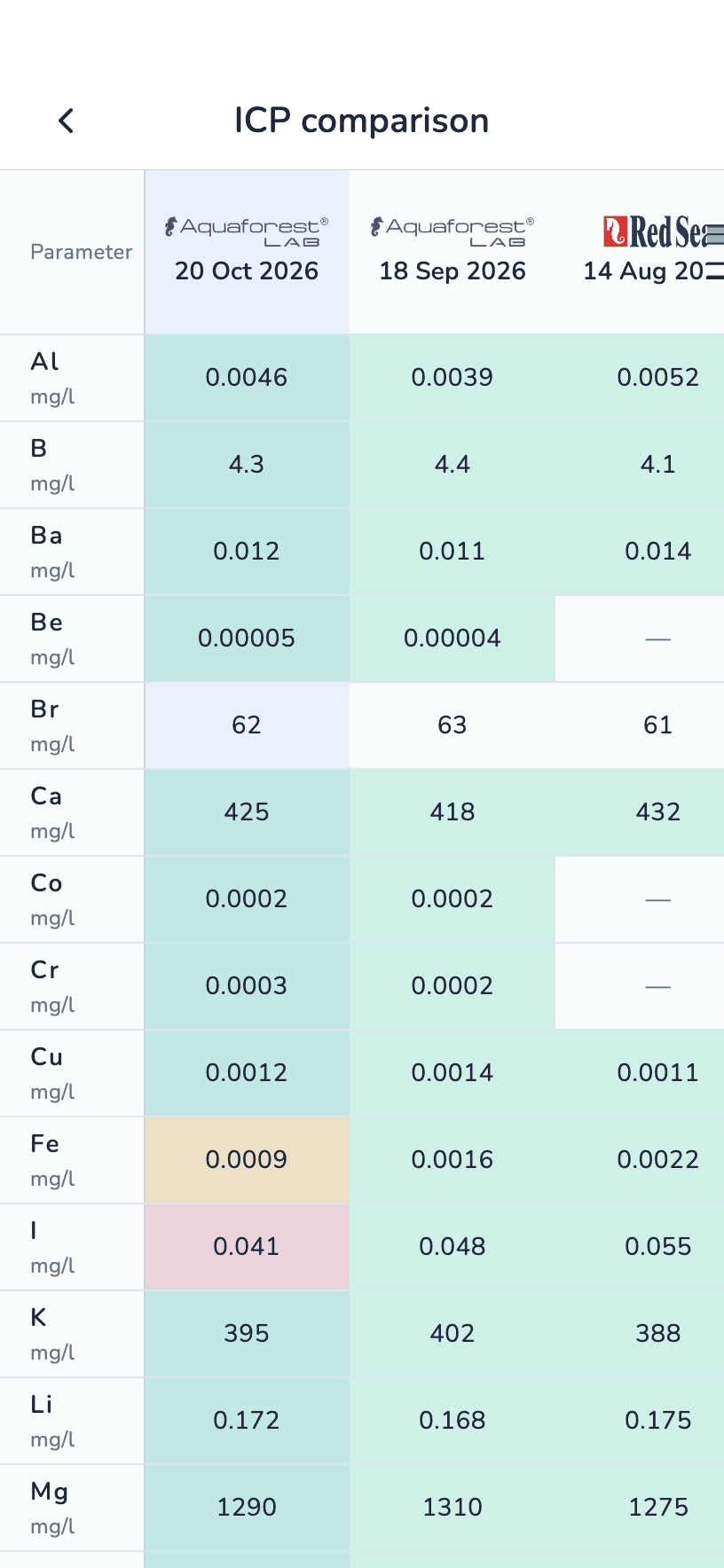
Every measurement lands on a chart with the target range, so you can see at a glance whether a parameter stays in range. Each parameter comes with an explanation of what it means and why it is worth tracking. Add an ICP report from a PDF or a photo and compare later tests in a table.
- Chart and target range
- Water parameter descriptions
- ICP report import
- ICP test comparison
DOSING
Calculate the dose before you reach for the bottle.
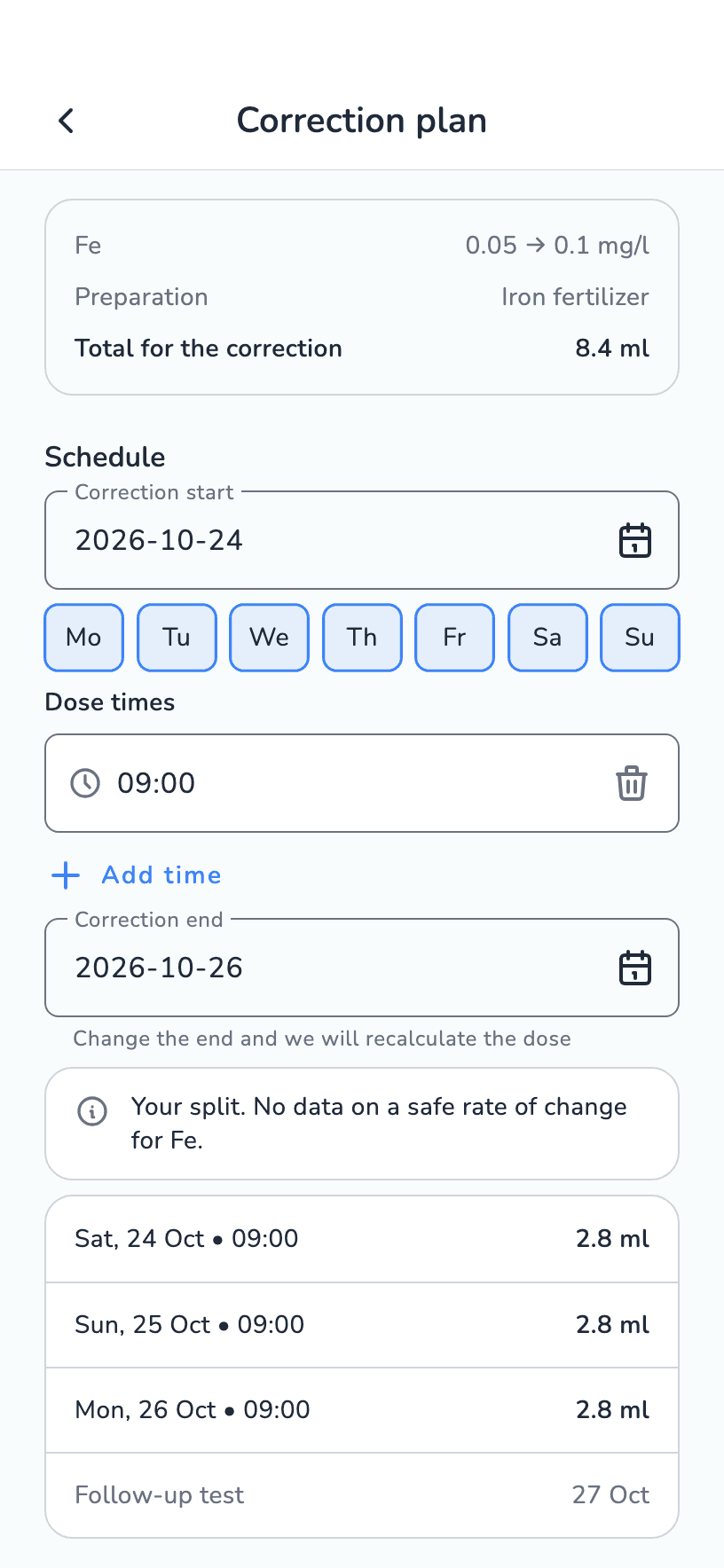
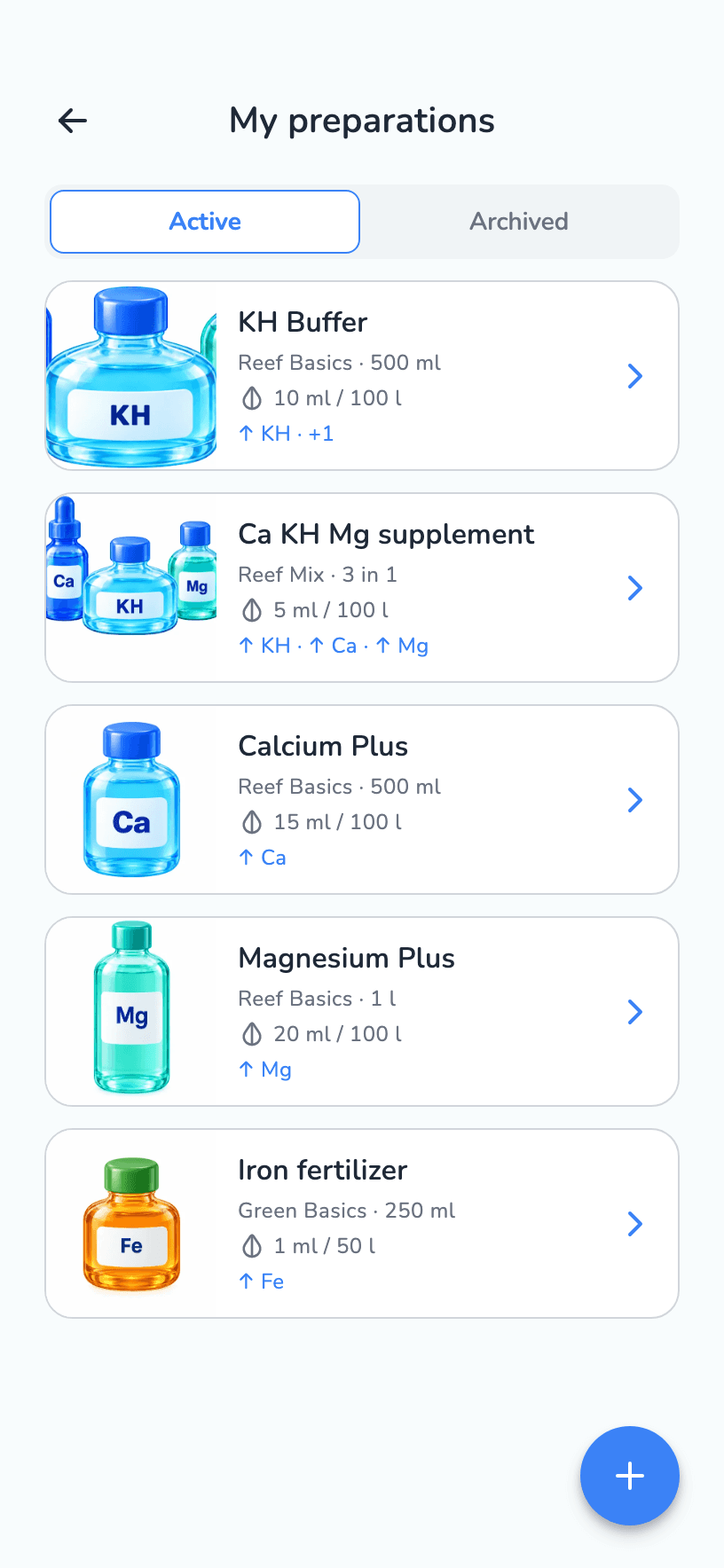
Enter the level you have and the level you want, and the calculator spreads the correction over days and works out a maintenance dose. Save the plan as tasks with reminders. Add your preparations once: by hand or from a link, a file or a photo of the label. There are also calculators for water changes, CO₂, the Redfield ratio and Balling.
- Dose calculator
- Water change and CO₂
- Redfield and Balling
- My preparations with import
LIVESTOCK
Choose livestock that fits your aquarium.
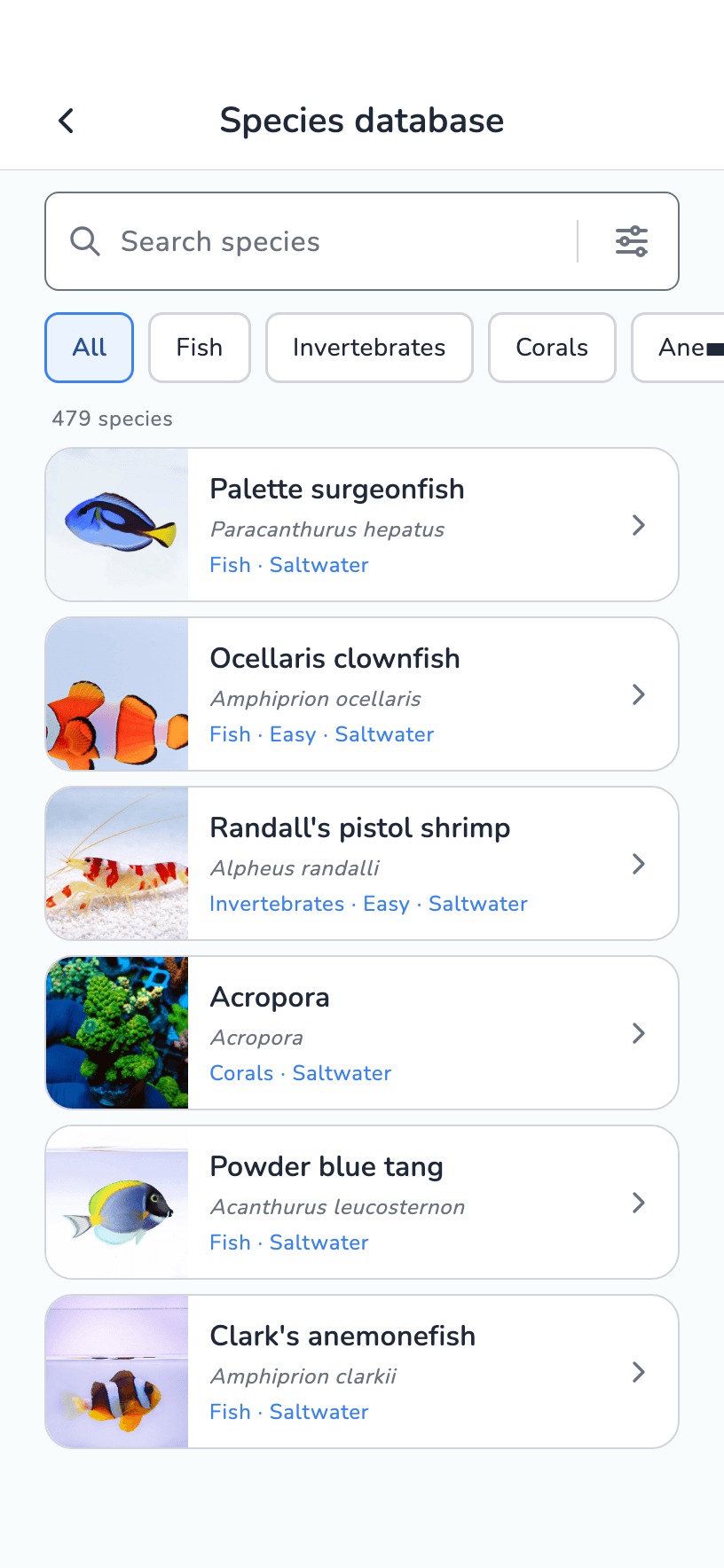
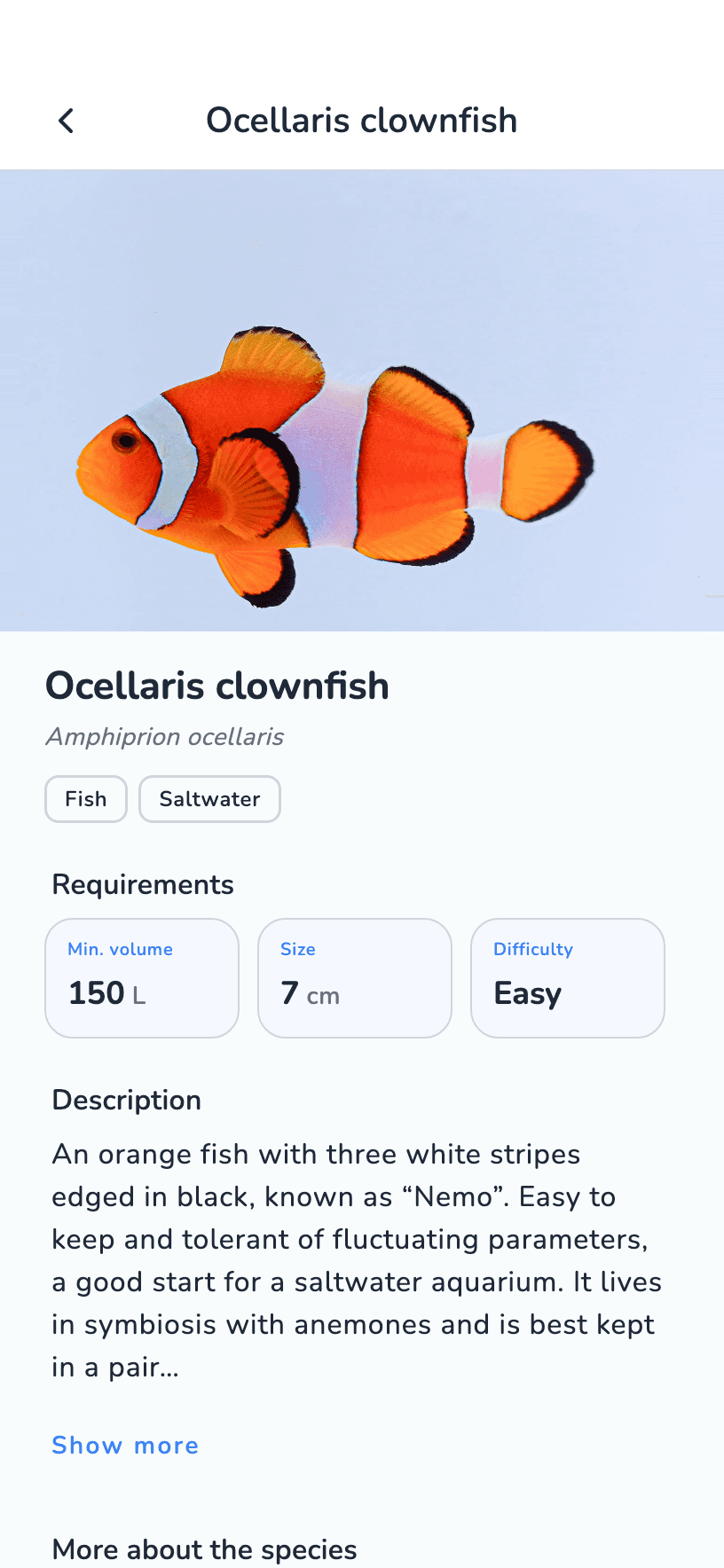
In a database of over 470 marine species you can check the minimum tank size, adult size and care difficulty of fish, invertebrates and corals. Add a species to your livestock from its card and keep all your aquarium’s inhabitants on one list.
- Search and filters
- Requirements on the species card
- Add to livestock
- Aquarium livestock list
Species descriptions and photos are provided by CoralLand.
Start building your aquarium’s history.
Download Aquafy on Google Play or the App Store.
PHOTOS
Balance a photo’s colors and sharpness by picking a style.
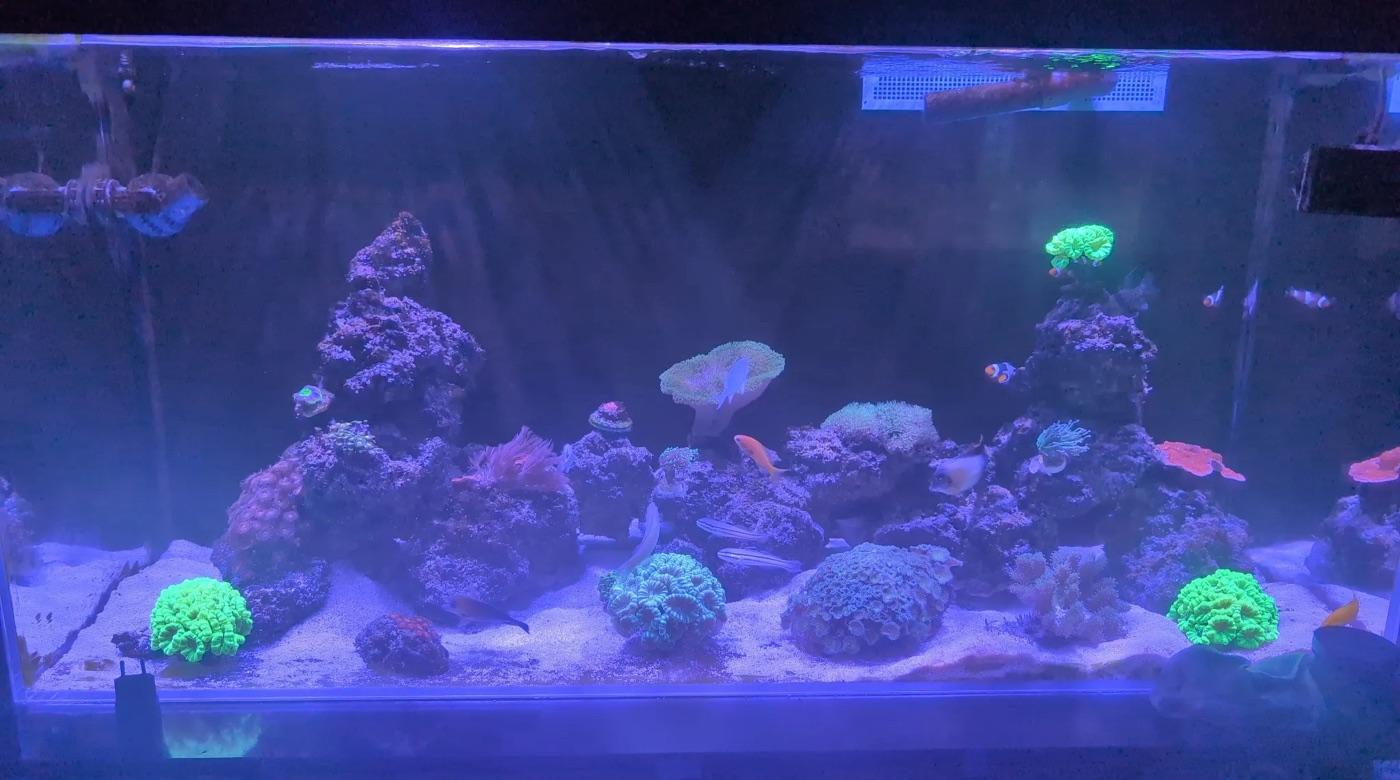
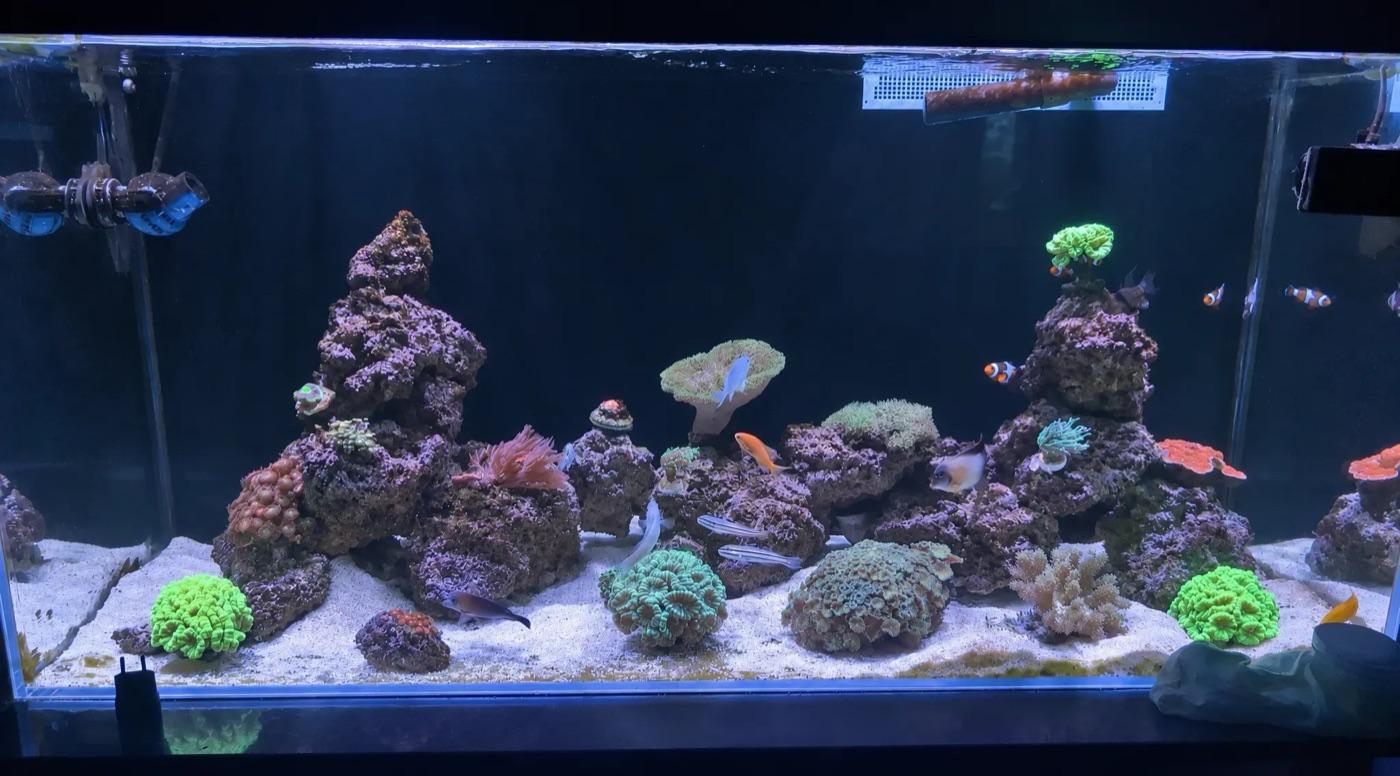
Pick a photo from the gallery and an enhancement style, and AI balances colors and sharpness. You see the result before saving and decide whether to keep it. The enhanced photo is saved as a new one and the original stays unchanged.
- Aquarium and livestock gallery
- Photo editing
- AI photo enhancement
- Enhancement details
EVERY DAY
Aquafy remembers the dates for you.
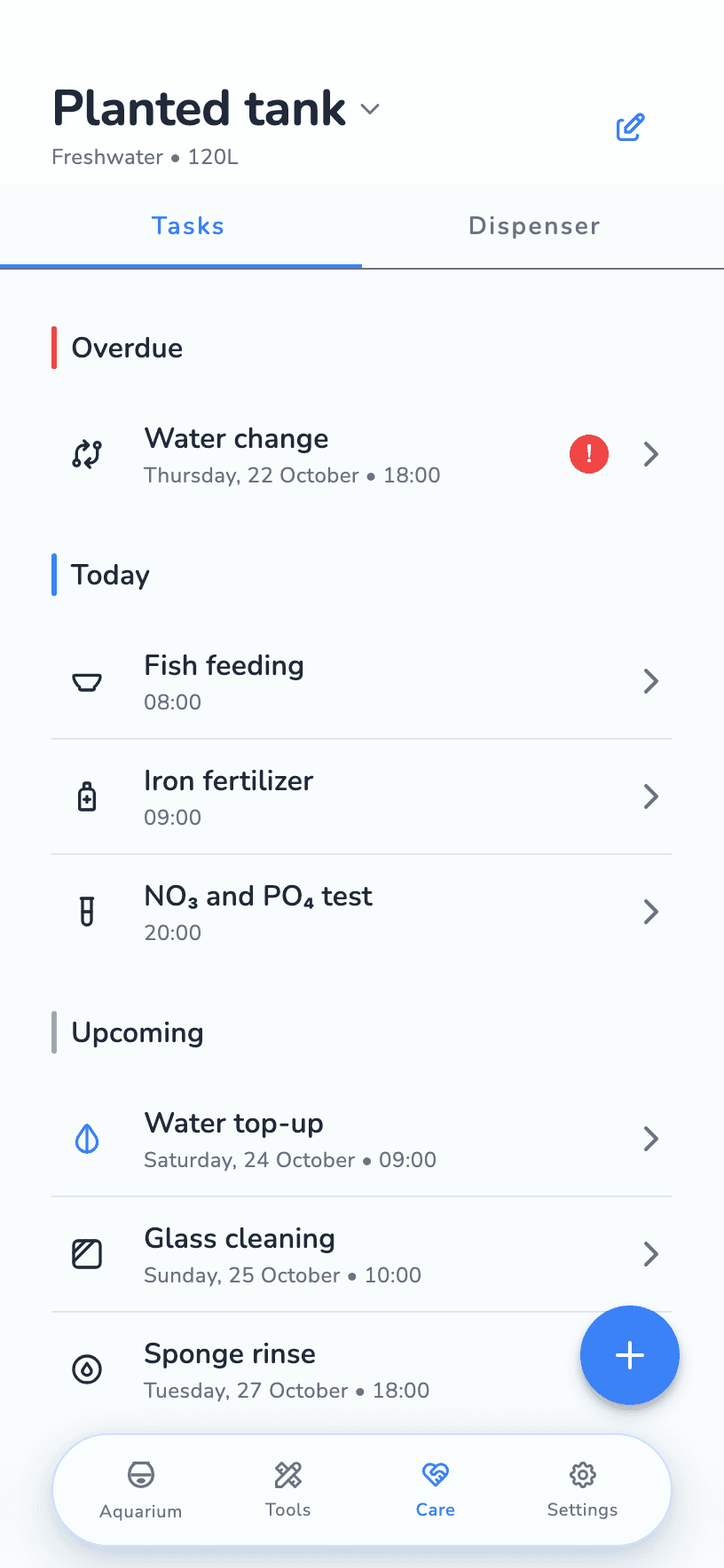
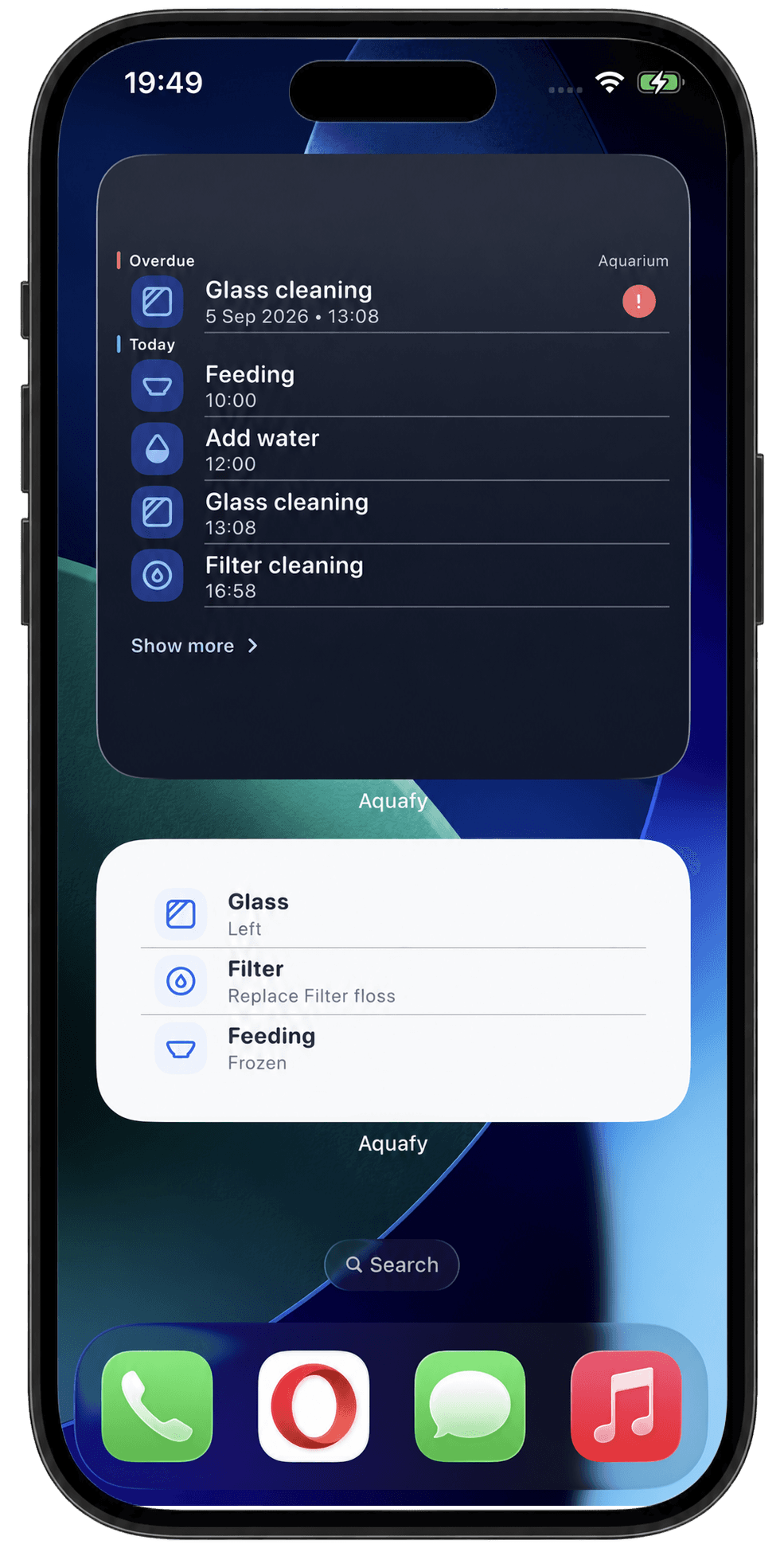
Set water changes, tests and maintenance as tasks with reminders. What you do goes into the history with a date, so it is easy to check what happened in the tank and when. A widget on Android and iOS shows today’s tasks without opening the app.
- Tasks and reminders
- Activity history
- Widgets on Android and iOS
WHAT IT COSTS
Aquafy is free. Only AI features need credits.
You use the app at no charge. Credits are used only by AI photo enhancement, ICP report import and preparation import. You get 20 credits to start with and can buy more in the app through Google Play or the App Store. If reading an ICP report fails, no credits are taken.
FAQ
Frequently asked questions
Yes. You can keep both freshwater and marine aquariums in Aquafy.